Crisp Document Scanner
Private On-Device PDF Scanner
Scan documents to searchable PDFs in seconds with zero data leaving your device.
Document Scanner is built on a simple idea: scanning a document shouldn't require an account, a subscription, or sending your data to a cloud server. Everything happens on your iPhone or iPad, using Apple's own frameworks. No compromises.
Scan in One Tap
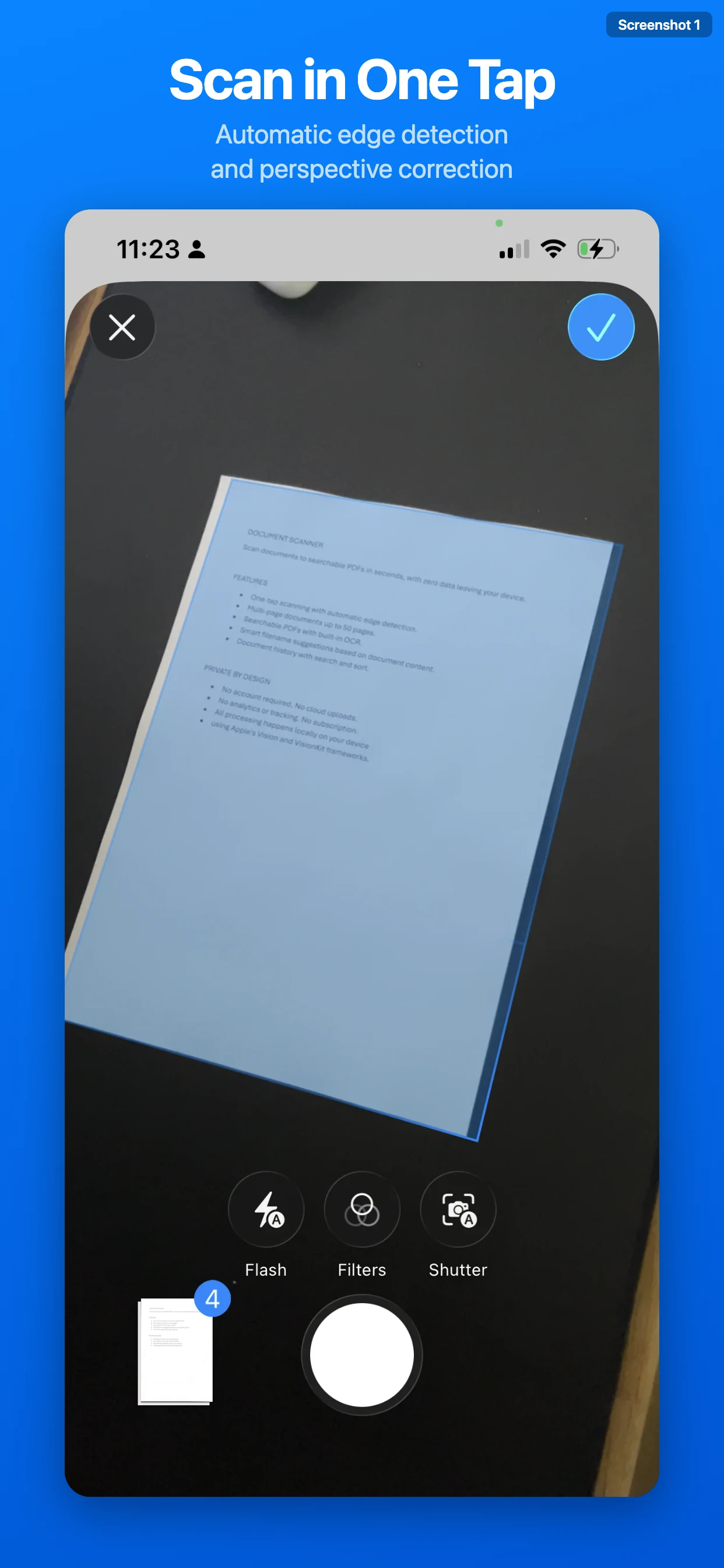
Open the app and tap Scan. That's it. Automatic edge detection finds the edges of your document and perspective correction straightens it instantly. Scan a single receipt or a 50-page contract in one session. The camera adapts to your environment and captures sharp, clean pages every time.
Searchable PDFs with OCR
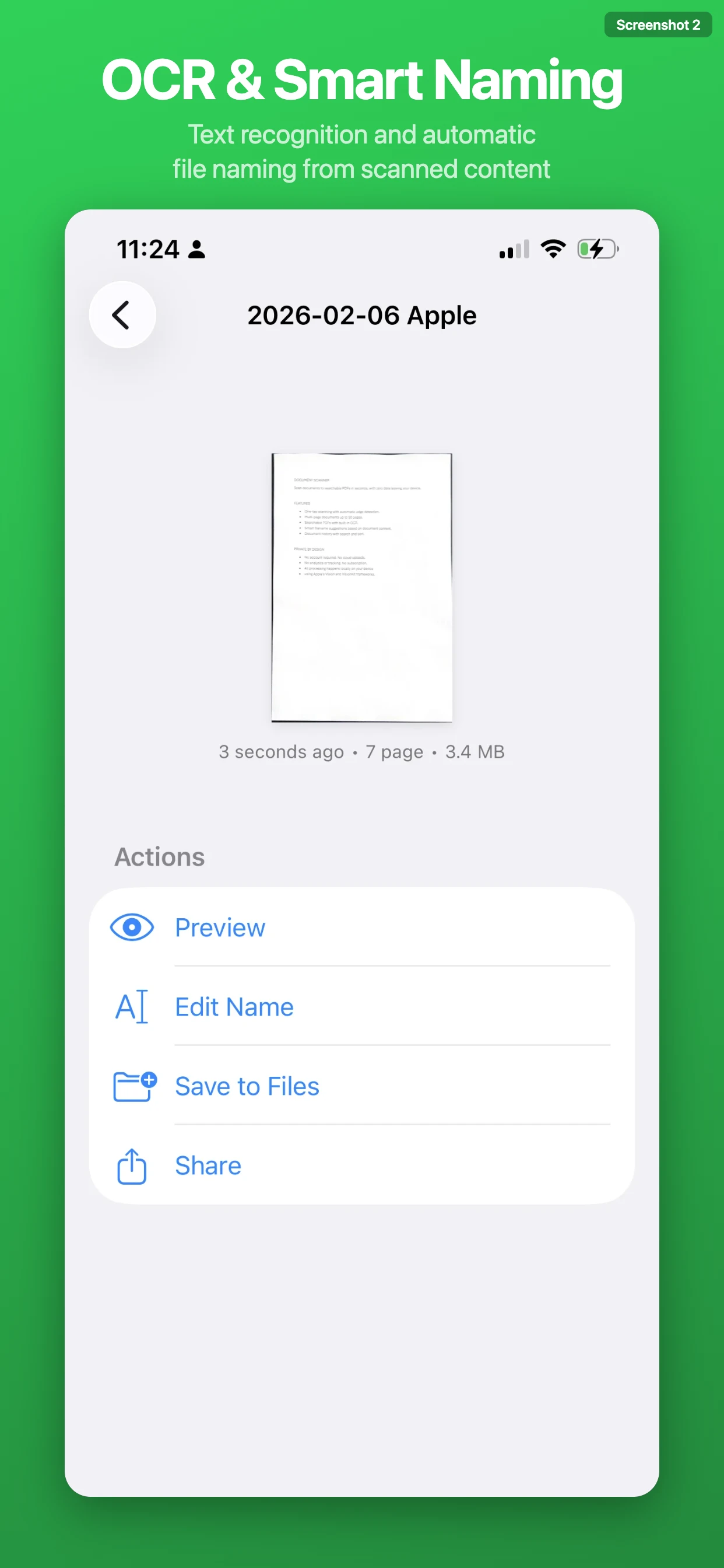
Every scan is automatically processed with on-device text recognition. The result: PDFs where you can search for any word, select text, and copy it to other apps. Looking for an amount on a 20-page statement? Just search. Need to copy an address from a letter? Select and copy. OCR supports multiple languages with automatic detection. Even handwritten text is recognized.
Smart File Naming
Tired of renaming "Scan_001.pdf" every time? Document Scanner reads your document and suggests a meaningful filename automatically. It extracts the date, company name, and document type from the scanned text. An invoice from Apple becomes "2025-01-15 Apple Inc Invoice.pdf". A bank statement becomes "2025-03-01 UBS Statement.pdf". No manual input needed and you can always edit the name if you prefer something different.
Perfect for Everyday Documents
- Invoices and bills
- Receipts and purchase confirmations
- Bank and credit card statements
- Contracts and agreements
- Letters and official correspondence
- Meeting notes and memos
- Certificates and forms
- Any paper document you want to digitize
Features
- Automatic Edge Detection – Camera finds document edges and straightens perspective instantly
- On-Device OCR – Text recognition runs locally with automatic language detection
- Smart File Naming – Automatic suggestions based on document content
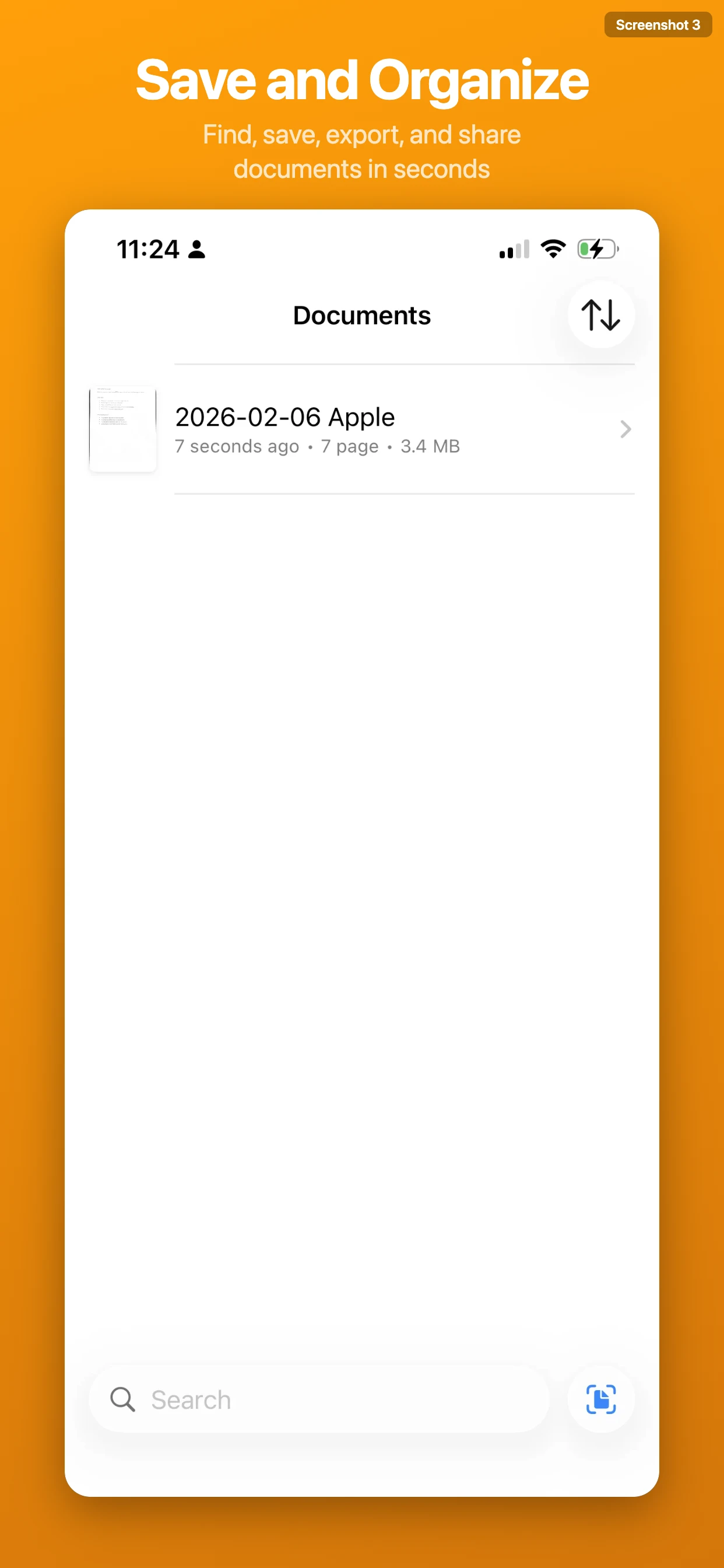
- Document History – Browse, search, sort, and preview all your scans
- Instant Sharing – AirDrop, email, or export to Files
- No Account Required – Open and start scanning immediately
- No Cloud Uploads – Documents never leave your device
- No Subscription – Pay once, use forever
Private by Design
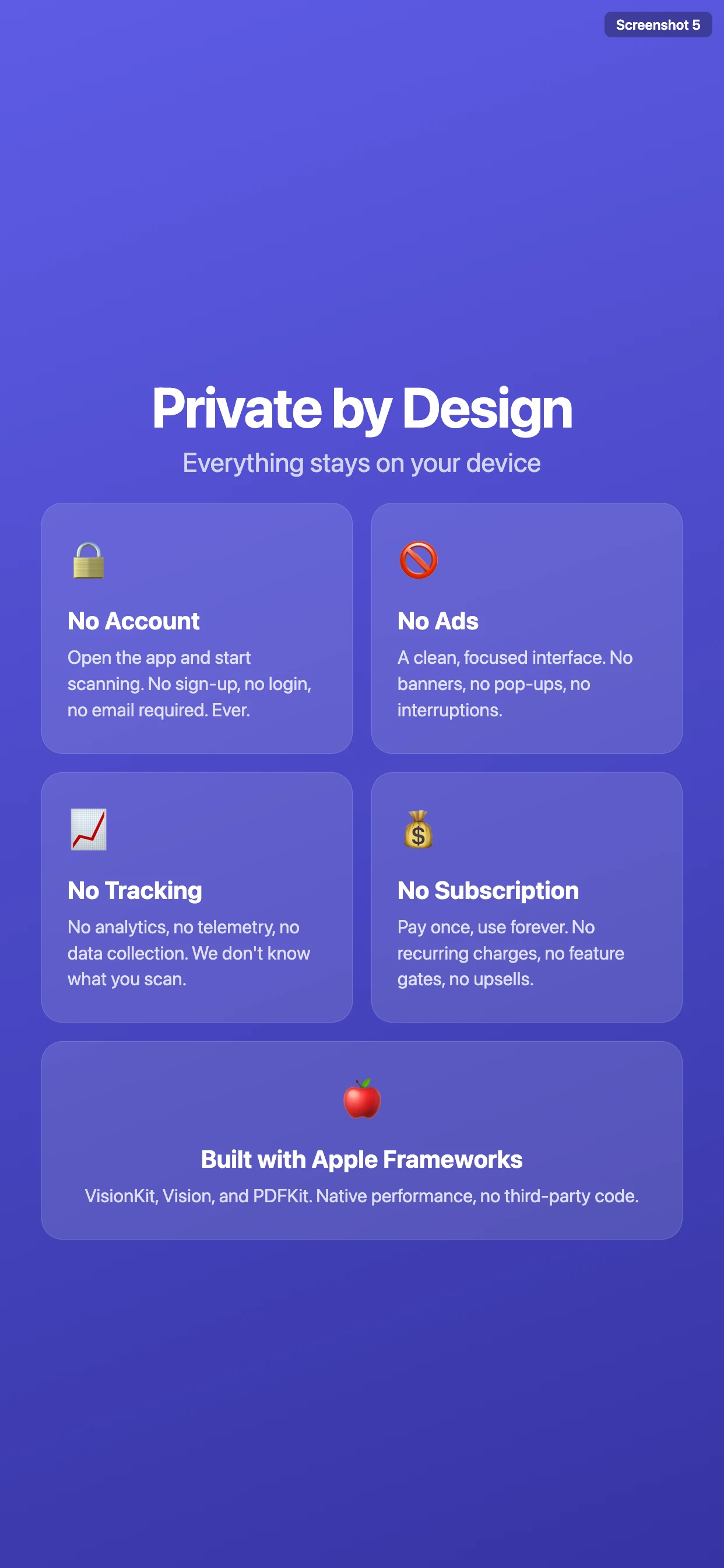
This is not just a feature, it is the foundation of the app. No account required. No cloud uploads. No analytics or tracking. No ads. No subscription. All text recognition and document processing happens locally using Apple's native Vision and VisionKit frameworks. Your documents are yours and yours alone.
Technical Details
Built natively for iOS using Crisp and CrispUI. Relies entirely on Apple's native technologies: VisionKit for camera scanning, Vision for text recognition, and PDFKit for PDF generation. Requires iOS 17 or later. Works on iPhone and iPad.